

Customers will ask for Wi‑Fi. That is fine. What is not fine is handing them the same network the register, back-office laptop, and cameras live on.
Guest Wi‑Fi is a hospitality feature. The till is a business system. Keep them apart on purpose.
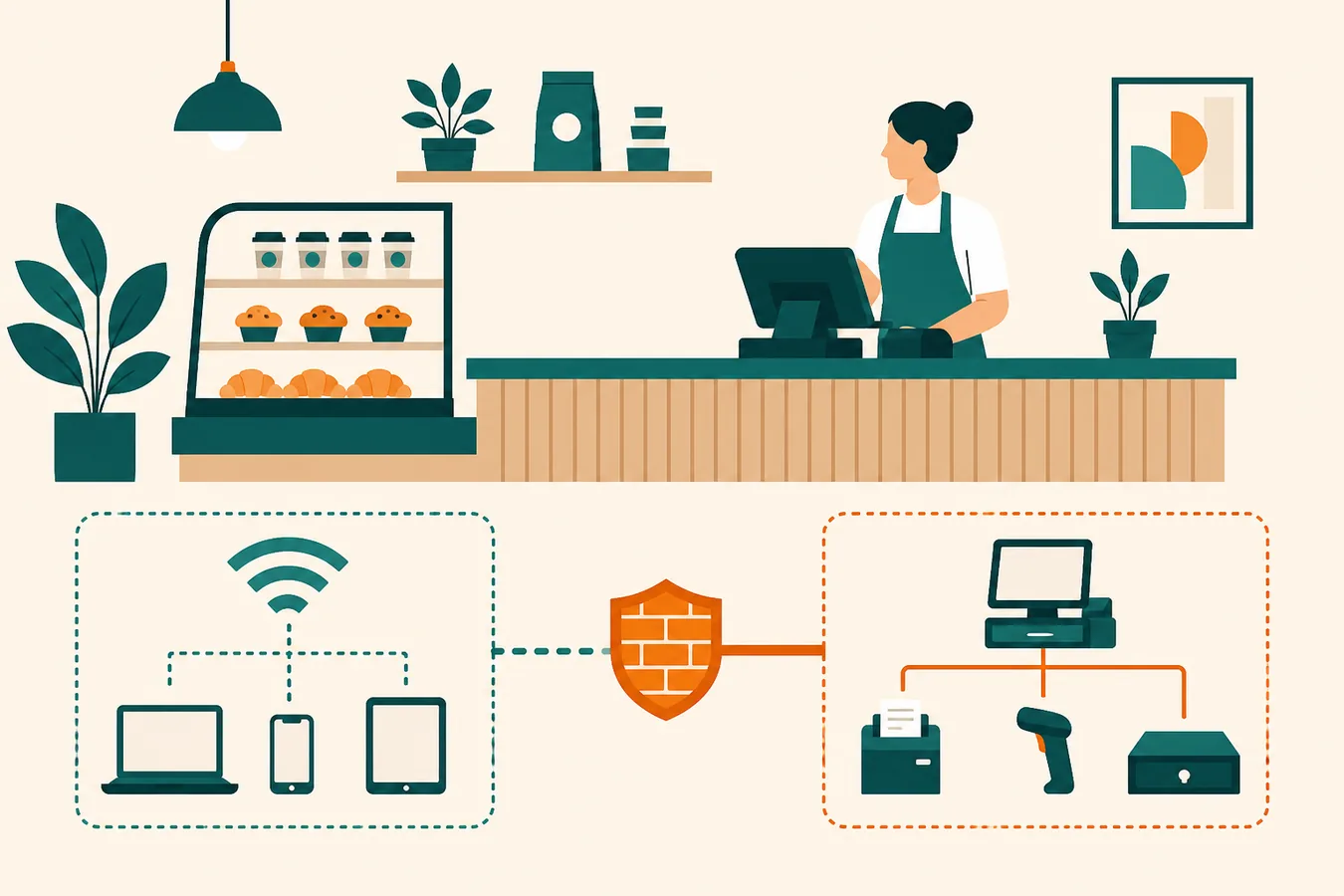
Why a split matters
A guest device is untrusted by definition: unknown patches, unknown apps, unknown owners. If that traffic can see printers, file shares, or a card terminal, you have widened the blast radius for a bad afternoon.
Guest network
A Wi‑Fi network that can reach the internet (and maybe a printer you explicitly allow) but cannot browse staff devices, POS, or camera recorders.
How small shops actually separate it
- VLANs (or the vendor’s “guest isolation” toggle) keep guest traffic in its own lane
- Client isolation stops guest phones from talking to each other
- Bandwidth caps keep one tablet from eating the whole pipe during lunch
- A simple splash or password you can rotate without touching the register SSID
UniFi-class setups make this boring — which is the goal. See office Wi‑Fi coverage for the radio side, then split SSIDs once coverage exists. The same split holds for a Kissimmee or tourist-adjacent counter: guest phones stay off the register path.
Registers, cameras, and “it only needs internet”
POS and cameras often “only need internet.” They still should not sit on guest. Treat them as staff systems: stable IPs or DHCP reservations, no random phones, firmware on a schedule.
A clean guest SSID in one sitting
Minimum viable guest Wi‑Fi
- Create a second SSID named for guests, not the staff network.
- Enable isolation / guest mode; confirm a phone cannot ping the register.
- Cap bandwidth so streaming does not stall card authorizations.
- Write the password on a card you can reprint — not on the AP sticker.
- Document which VLAN is guest vs staff vs cameras.
Want it designed with the rest of the LAN for an Orlando or Kissimmee shop? Networking care covers the split; printer workflow is the invoice path when the tray is on the wrong SSID. Or start from UniFi networking / contact Orlando Web & IT.