

Most “the Wi‑Fi is bad” tickets in Orlando are not mysterious. Concrete, coolers, walk-in boxes, and a router stuffed in a back office will beat a $200 mesh kit every afternoon rush.
Coverage is a layout problem first. Hardware is how you finish the job — not how you start it.
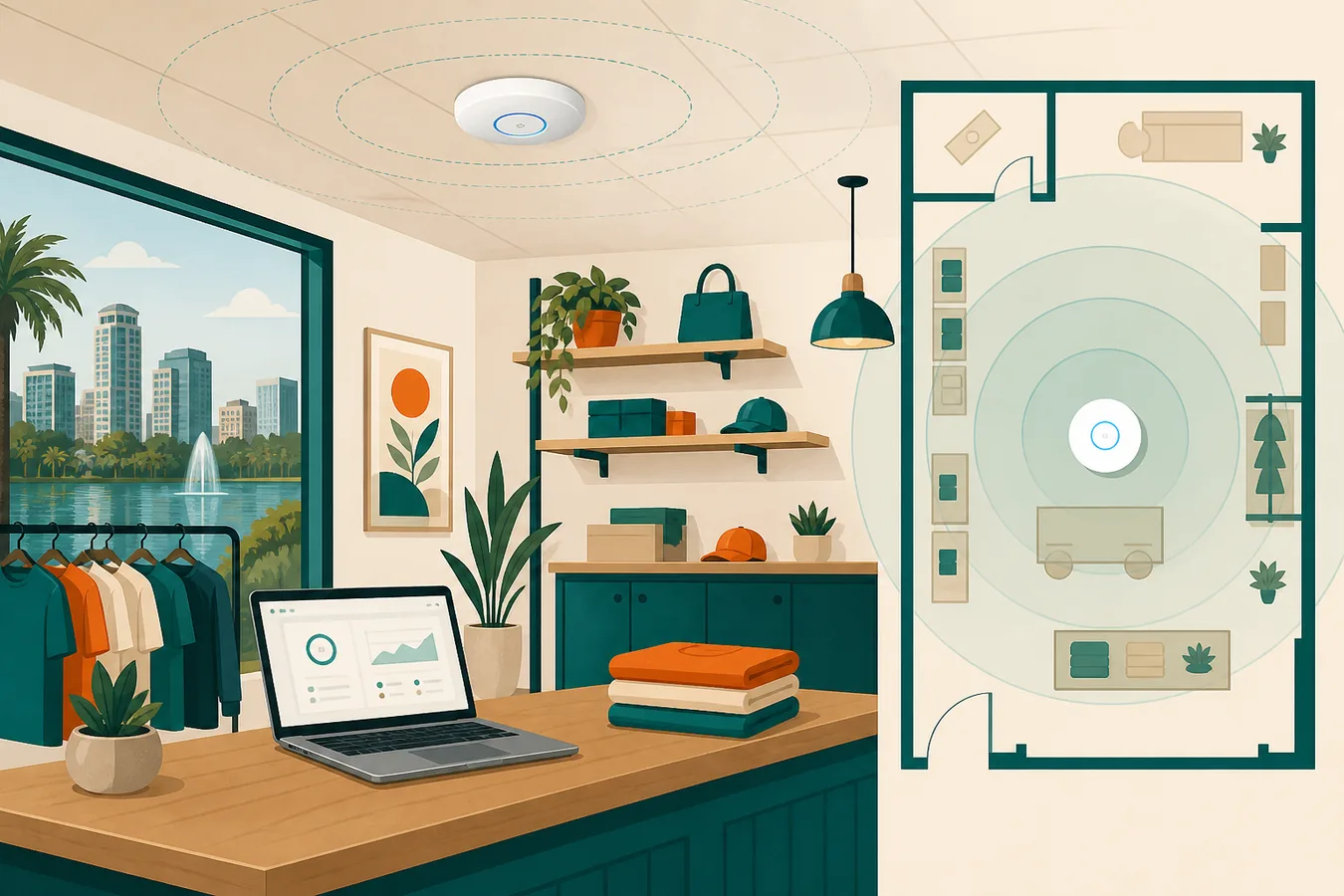
Why one box in the closet fails
Consumer mesh systems assume open floor plans. A typical Central Florida shop has drywall plus a stockroom, a restroom stack, and maybe a kitchen. The access point ends up in the only unlocked closet — which is often the worst radio location in the building.
- 2.4 GHz travels farther and is noisier (neighbors, Bluetooth, cheap IoT)
- 5 GHz is faster and dies faster through walls
- Channel overlap from nearby suites is common in strip plazas
Plan the air first
Access point (AP)
The radio that actually talks to phones and laptops. A “router” in the closet is often doing routing and Wi‑Fi in a location that helps neither job.

Walk the floor with a phone. Note dead corners, the register, the office, and any patio. That sketch is more valuable than a brand brochure. Then decide:
- Where people actually stand with a phone in hand
- Whether guest traffic should share the staff LAN (it should not — see guest Wi‑Fi)
- Power: ceiling APs want PoE, not a daisy-chain of wall warts
Why UniFi-class gear shows up in small offices
UniFi is popular because Wi‑Fi, switching, and optional cameras can live in one readable system. The value is not the logo — it is a tidy network staff can live with, plus notes for the next visit.
A practical coverage checklist
Before you buy another mesh kit
- Sketch the floor and mark where phones actually work today.
- Put the gateway in a ventilated, lockable spot — not inside a metal cabinet.
- Plan ceiling or high-wall APs for the floor, not the back office only.
- Split guest SSID from staff; keep POS and cameras off guest.
- Write down admin URLs, VLANs, and who holds the password.
Need a walkthrough on-site in Orlando, a Winter Park suite, or a Kissimmee shop? Contact Orlando Web & IT or start from UniFi networking & Protect. Staffing this yourself? Hire vs a monthly hours pool.