

Most small shops do not have an IT department. They have a closet, a handful of laptops, a printer that knows one trick, and a person who “usually knows the Wi‑Fi password.” Help comes in two honest ways: you pay by the hour when something is already broken, or you pay a smaller monthly line so someone is already watching the same computers and network.
Neither is free. The useful question is which one matches how your shop actually fails.
Monitoring is boring on purpose. The point is to catch the backup, the certificate, and the Wi‑Fi before Saturday — not to look busy.
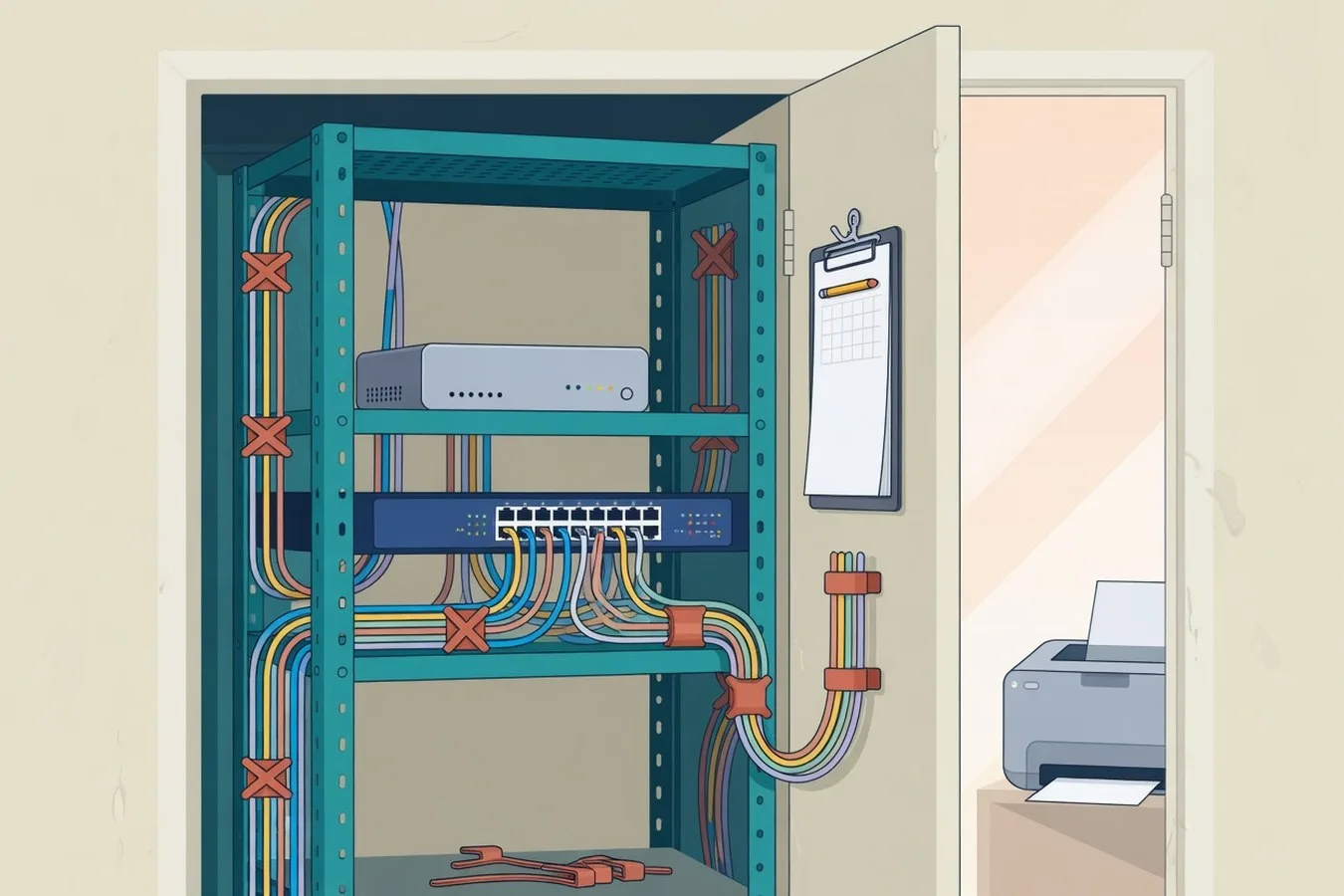
Two ways to buy help
Break-fix
You call when it is already down. You pay for the hour or the visit. The person on the call may be seeing your closet for the first time.
That is the light product. A one-laptop consultancy, a seasonal stall, a shop that last needed help fourteen months ago — an hourly call is honest. Extra remote time often starts around from $80/hour; a visit is from $100/hr. Everyday IT is that hour when you want a local person to take it.
Managed IT is the other product: a monthly hours pool plus a regular look at the same devices, network, and backups. The public starter is from $199/mo. Help is during regular hours, with extra time quoted first. See managed IT & network care if you want that as a service.
A camera job, a go-live, or a new website is a third thing. Quote it. Do not hide it inside unused monthly hours.
What “monitoring and maintenance” actually means
People hear “managed” and picture a wall of screens. For a ten-person office the work is smaller and more useful:
- The same notes next time. Logins, which printer is which, who holds the domain. The next ticket does not start with “who set this up?”
- A scheduled look. Firewall and Wi‑Fi updates, disk space on the backup, certificates that renew, the one Windows box that has not rebooted since March.
- Watching what makes rent. If the register, the booking site, or the office Wi‑Fi dies, someone who already knows the closet is faster than a cold call.
- People changing. New hire, seasonal iPad, a laptop that will not join after an update. That is a planned hour on a known network.
- A known bill. Extra time is quoted first. Unused hours are not a piggy bank for a future rebuild.
When the hourly visit is enough
Break-fix is not a lesser version of a retainer. Use it when:
- You have one or two devices and they almost never fail
- You can live with a same-week visit if they do
- You are willing to re-explain the closet each time
- You do not want a monthly line you would forget you have
The cost of break-fix is not only the invoice. Every cold visit spends the first half-hour reconstructing what last year’s person did. If that is rare, you can afford it. If it happens every month, you are buying reconstruction as a hobby.
When a monthly look is the better buy
The retainer wins when the shop is open every day and more than one thing must work: staff laptops, guest Wi‑Fi that stays off the till, a printer that has to hit a known tray, a backup someone can restore. Orlando, Winter Park, and Kissimmee shops look the same on this point. Tourist-adjacent counters just fail on Saturdays.
It is probably time for a monthly look if:
- Last quarter you had real tickets — including the ones you lived with.
- More than one person touches the network in a year.
- You cannot name, today, who holds the admin passwords.
- Dead Wi‑Fi or a dead site would close the floor, not just annoy you.
A short operations check
- Count last quarter’s tickets, not the ones you ignored.
- Write down who can reset the firewall, the domain, and the backup.
- Extra hours should be quoted first — not an open tab.
- Overnight coverage and ranking promises are not in the monthly line.
If the check says “we almost never call,” buy the hour when you need it. If it says “we keep rediscovering the closet,” a monthly look is the boring fix.
Want that conversation for a Central Florida shop? Contact Orlando Web & IT.